Ergonomic Typing Setup - Prevent RSI and Carpal Tunnel
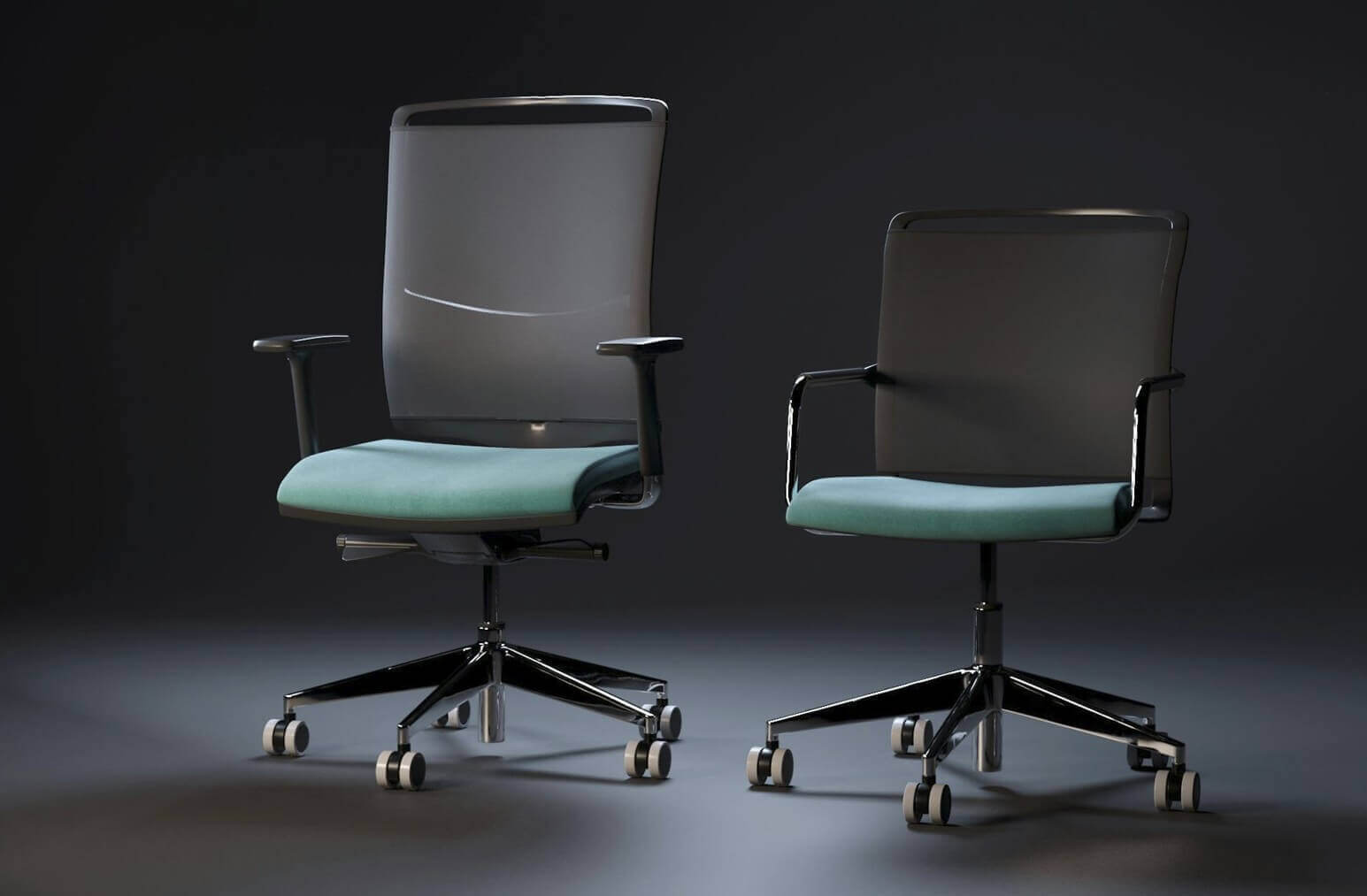
Typing for hours without proper ergonomics can lead to repetitive strain injuries (RSI) and carpal tunnel syndrome. Here's how to set up your workspace for healthy, pain-free typing.
Proper Posture
Sit with your back straight and feet flat on the floor. Your thighs should be parallel to the ground, and your arms should form a 90-degree angle at the elbows.
Keyboard Position
Your keyboard should be at elbow height or slightly below. Keep your wrists in a neutral position—not bent up or down. Consider using a wrist rest for support during breaks, but not while actively typing.
Monitor Placement
Position your monitor at arm's length away, with the top of the screen at or slightly below eye level. This prevents neck strain from looking up or down.
Take Regular Breaks
Follow the 20-20-20 rule: every 20 minutes, look at something 20 feet away for 20 seconds. Also, take a 5-minute break every hour to stretch your hands and wrists.
Hand Exercises
- Finger stretches: Spread fingers wide, hold for 5 seconds
- Wrist rotations: Rotate wrists in circles, 10 times each direction
- Fist clenches: Make a fist, hold, then spread fingers wide
- Prayer stretch: Press palms together, lower hands while keeping palms touching
Consider Ergonomic Equipment
Split keyboards, vertical mice, and standing desks can all help reduce strain. Experiment to find what works best for you.